
Stickers
Personalised stickers for products, packaging and events
Choose the shape, size and supply format of your paper stickers. Compare full cut and sheets with one or several designs.

Sticker Sheets
Custom and versatile for use.
- 3 size options
- Custom shape
- Paper or PP stickers
- Special finishes

QR Code Stickers
Custom and interactive.
- 3 size options
- Various formats/li>
- Paper or PP adhesive
- Full cut, kiss cut, or sheet format

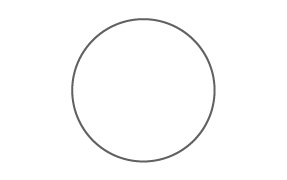
Round Stickers
For customizing packaging and products.
- 8 size options
- Front printing
- Adhesive paper or PP
- Full cut, half cut or sheet format

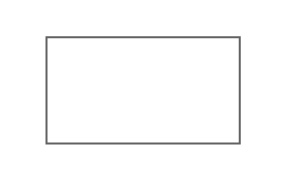
Rectangular Stickers
Perfect for highlighting your brand.
- 7 size options
- Front printing
- Adhesive paper or PP
- Full cut or sheet

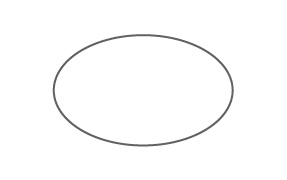
Oval Stickers
For labeling or customizing products.
- 5 size options
- Front printing
- Adhesive paper or PP
- Full cut, half cut, or on sheets

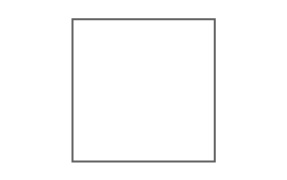
Square Stickers
Ideal for personalizing your business.
- 4 size options
- Front printing
- Adhesive paper or PP sticker
- Full cut or sheet cut

Custom Stickers
Made for various occasions.
- Custom size
- Various formats
- Adhesive paper or PP
- Full cut, kiss cut, or on sheets

Shaped Stickers
A creative solution for your brand.
- Custom size and shape
- Special finishes
- Paper or PP adhesive
- Full cut, kiss cut, and sheet format
Where will you use them?
Packaging and orders
Add your branding to boxes, bags and envelopes. Choose a size that suits the available space.
Product identification
Arrange your logo and information so they are legible. Check the adhesion of self-adhesive paper to the surface.
Events and handouts
For stickers to hand out separately, choose the full-cut option available on the product.
QR communication
Provide access to a page, menu, contact or instructions. Test the code at final size before printing.
Available shapes and sizes
Choose a shape and compare dimensions. Links open the product; select the size in the configurator.
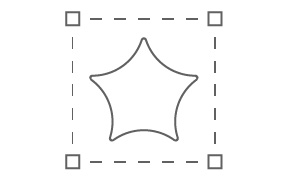
Custom outline
Set the width, height and outline to suit your design. Prepare the cutting template according to the product instructions.
Custom-outline stickers

Give your sticker the shape of your logo, illustration or design. The cut follows the outline defined in the artwork, creating a distinctive shape for product identification, packaging or promoting your brand.
Prepare the cut line according to the product instructions and keep text and important elements within the safety margins.
View custom-outline stickersOne sheet, several designs
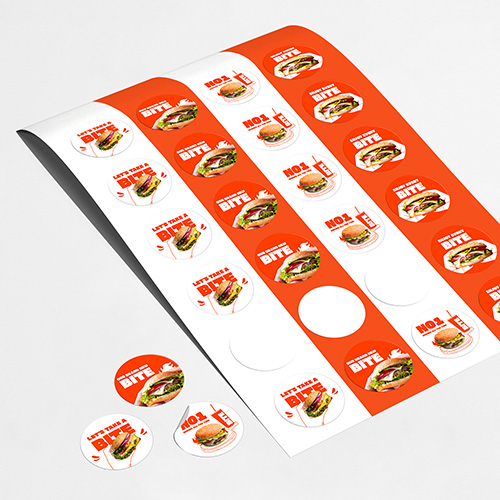
Bring together one or several designs on the same sheet. Choose A5 (148 × 210 mm), A4 (210 × 297 mm) or A3 (297 × 420 mm) and enter the number of items per sheet in the configurator.
The customer must supply the cutting template or use an existing one. Prepare the artwork to match the chosen template and check that the item count matches the sheet layout.
View sticker sheetsConnect print to digital content
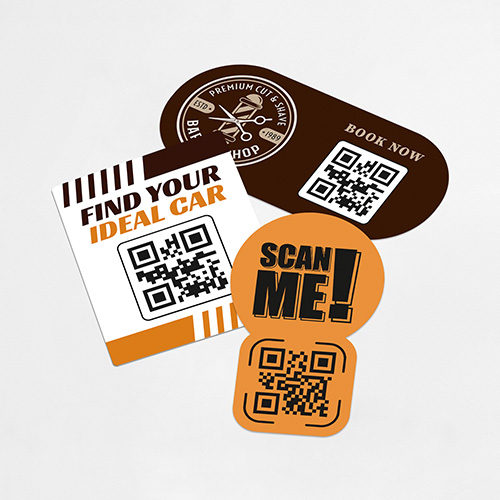
Use QR code stickers to link to menus, contacts, instructions or your brand’s pages. Maintain contrast, clear space around the code and a suitable size for scanning.
Test the destination and scan the code at final size before submitting the artwork. Printing the sticker does not in itself include hosting or management of the destination content.
View QR code stickersFrequently asked questions about individual stickers
How do individual stickers differ from custom-outline stickers?
The general product offers several shapes and custom dimensions. The custom-outline product is a dedicated option for designs with their own outline. Check each product’s options.
Can I choose a custom size?
Yes, on products with custom dimensions. Shape-specific products also offer preset sizes; choose the option that suits your project.
Are these stickers made from paper or PP?
This category currently uses self-adhesive paper. PP is available in the roll label range.
Is self-adhesive paper suitable for contact with water?
For this category, prioritise dry environments. Do not assume water resistance or outdoor suitability; check the right material for the application conditions.
Can I include several designs on one sheet?
Yes. You can combine several designs within the cutting template. Enter the number of items per sheet in the configurator.
Who supplies the cutting template for sticker sheets?
The customer must supply the cutting template or use an existing one. The artwork layout must match the chosen template.
How do I specify the number of items per sheet?
Count the stickers planned for one sheet and enter that number in the configurator. Items refer to the pieces on the sheet, not just the number of different designs.
How should I prepare the artwork and QR code?
Follow the product template for bleed, margins and cut lines. Check legibility at final size and test the QR code and its destination before submitting.


